[iOS] inAppReview(StoreKit) - 인앱리뷰
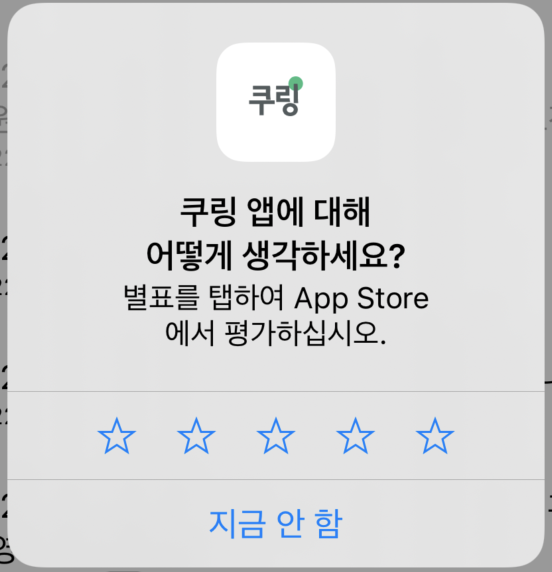
애플 공식문서에 따르면 사용자가 좋은 경험을 하고 난 후 인앱 리뷰 알림을 유도하면 좋은 스토어 리뷰로 이어지는 경향성이 존재.
(공식문서 링크)
https://developer.apple.com/documentation/storekit
Apple Developer Documentation
developer.apple.com
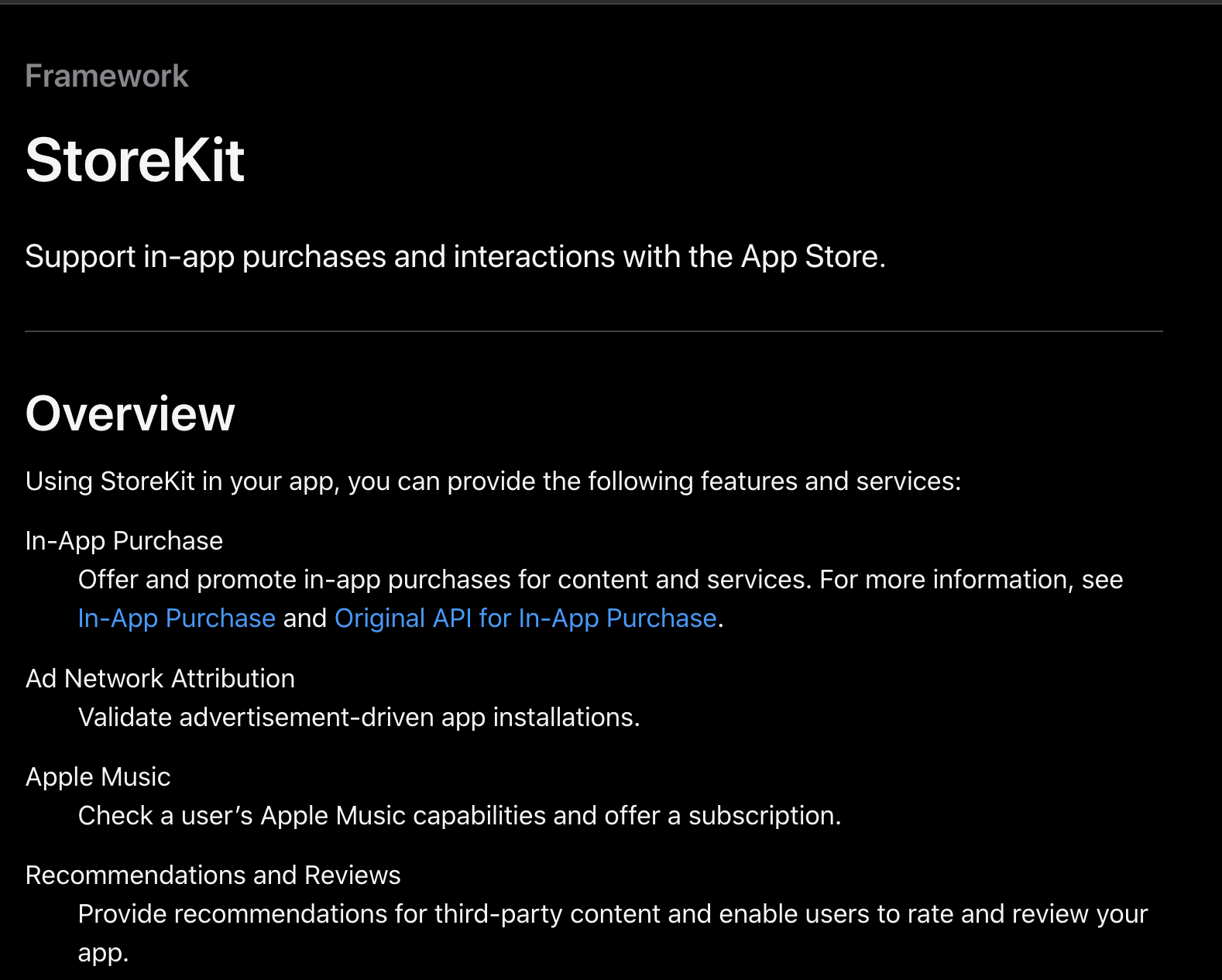
StoreKit
StoreKit이 구매나 애플뮤직 등도 지원하지만 리뷰도 지원함.
인앱 리뷰를 무한히 되는건 아니고 제한이 있어서 적정 수 이상은 프롬프트가 나타나지 않음.
샘플 코드
import UIKit
import StoreKit

class AppStoreReviewManager {
    /// action count 값이 3일 때 `true` 입니다.
    static var isReviewable: Bool { UserDefaultManager.inAppReviewCount == 3 }

    static func requestReviewIfAppropriate() {
        guard UserDefaultManager.inAppReviewCount <= 3 else { return }
        UserDefaultManager.inAppReviewCount += 1

        guard isReviewable else { return }
        let scene = UIApplication.shared.connectedScenes.first { $0.activationState == .foregroundActive }
        if let scene = scene as? UIWindowScene {
            SKStoreReviewController.requestReview(in: scene)
        }
    }
}
UserDefaultManager
import UIKit

class UserDefaultManager {
    enum Key: String {
        /// 인앱 리뷰를 위한 키
        case inAppReviewCount
    }

    @UserDefault(key: .inAppReviewCount, defaultValue: 0)
    static var inAppReviewCount: Int
}

@propertyWrapper
struct UserDefault<T> {
    let key: UserDefaultManager.Key
    let defaultValue: T
    let storage: UserDefaults

    var wrappedValue: T {
        get { self.storage.object(forKey: self.key.rawValue) as? T ?? self.defaultValue }
        set { self.storage.set(newValue, forKey: self.key.rawValue) }
    }

    init(key: UserDefaultManager.Key, defaultValue: T, storage: UserDefaults = .standard) {
        self.key = key
        self.defaultValue = defaultValue
        self.storage = storage
    }
}
원하는 액션 후에 해당 코드로 실행.
AppStoreReviewManager.requestReviewIfAppropriate
스크린샷
'Project > Kuring(공지알림)' 카테고리의 다른 글
| iOS UIActivicityIndicator Customizing (feat. Lottie) (0) | 2022.04.30 |
|---|---|
| iOS Haptic Feedback 정리 (0) | 2022.03.21 |
| [iOS] Xcode Storyboard 제거 후 코드로 대체하는 방법 (0) | 2022.01.07 |
| [iOS] RxGesture에 정리 기본 (0) | 2021.12.20 |
| iOS UIButton 90도 회전시키기 (0) | 2021.12.20 |